
Vacuum Pump Parts and Accessories
NAVAC offers a full line of genuine Vacuum Pump replacement parts sure to meet all of your industrial pump service needs.
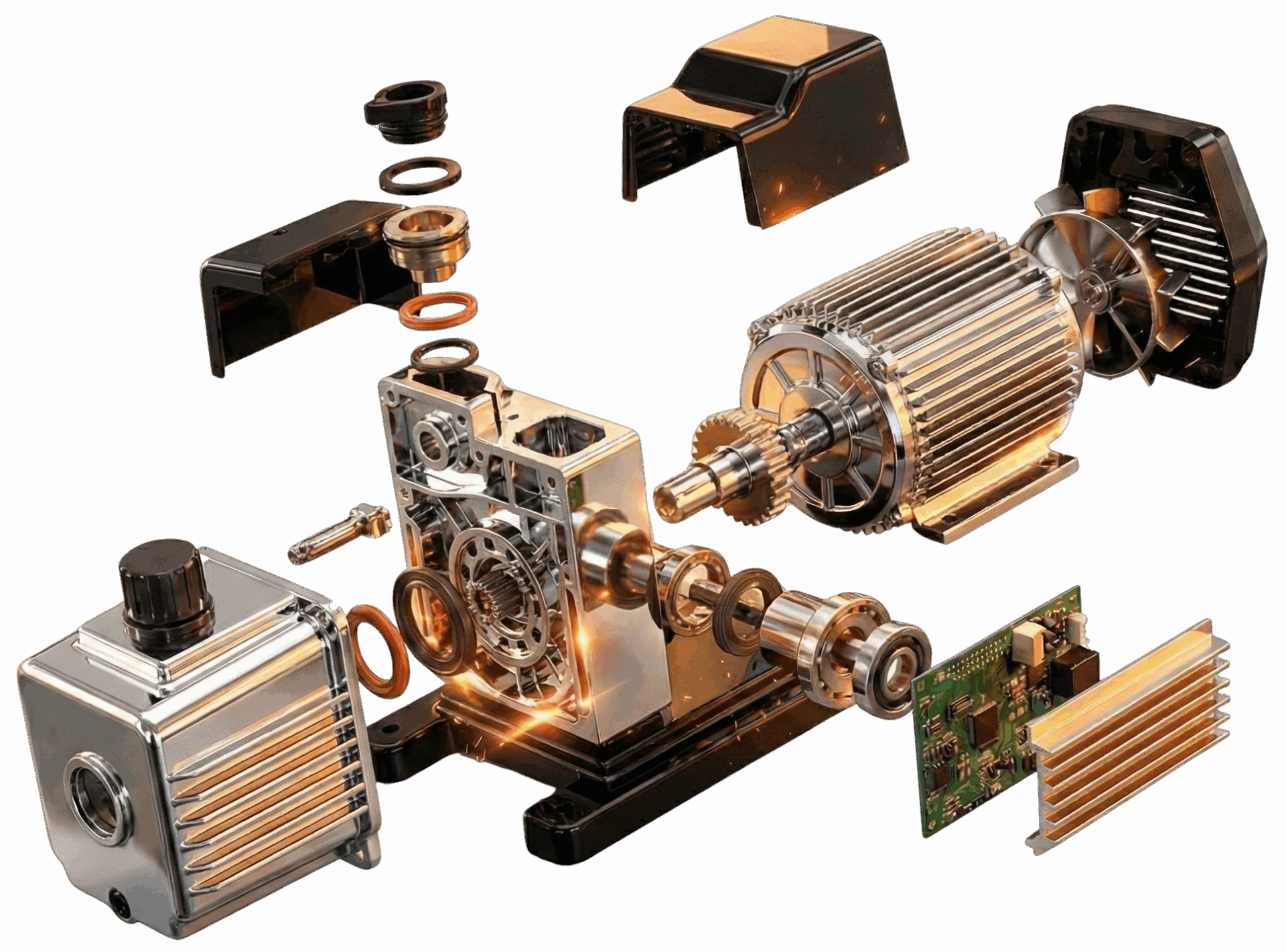

If you need a repair for your NAVAC vacuum pump, please click the button to fill out an RMA form. One of our Authorized Service Centers will reach out with further information on how to return the pump for repair.
While you are waiting for the RMA number, here is what you can expect during this process:
- A NAVAC Authorized Repair Center will reach out with the RMA number and estimated price for a minor repair.
- You will send the pump back into the NAVAC Authorized Service Center for repair.
- Once the pump is evaluated, you will be informed the repair status of the pump, meaning if the pump can be repaired and if the pump requires a different type of repair or not.
- If the pump requires a different type of repair, you will be notified with an updated quotation and leadtime.
- Once you send in the Purchase Order for the repair, the NAVAC Authorized Service Center will repair the pump to a “like new” condition and ensure that the pump meets the appropriate testing specs.
- Once the testing is complete, the pump will be shipped back you.
Best Maintenance Practices for NAVAC Pumps
| Content | Operation | Interval | Remarks |
|---|---|---|---|
| Oil level | Visual inspection | Every three days | Section 8.2.1 of manual |
| Oil color | Visual inspection | Every three days | Section 8.2.1 of manual |
| Pump noise | Acoustic inspection | Every three days | Section 8.2.2 of manual |
| Pump vibration | Visual inspection | Every three days | Check the pump feet or feet bolts in case of abnormal vibration |
| Pump temperature | Temperature meter | Every one week | Check and clean fan of the pump and motor for deposits |
| Seal & O-ring | Visual inspection | Every one month | Purchase repair kit and replace if necessary |
| Dirt trap | Visual inspection | Every one month | Check and clean the foreign matter. Dry it by compressed air |
| Content | Operation | Interval | Remarks |
|---|---|---|---|
| Oil level | Visual inspection | Every three days | Section 8.2.1 of manual |
| Oil color | Visual inspection | Every three days | Section 8.2.1 of manual |
| Pump noise | Acoustic inspection | Every three days | Section 8.2.2 of manual |
| Pump vibration | Visual inspection | Every three days | Check the pump feet or feet bolts in case of abnormal vibration |
| Pump temperature | Temperature meter | Every one week | Check and clean fan of the pump and motor for deposits |
| Seal & O-ring | Visual inspection | Every one month | Purchase repair kit and replace if necessary |
| Dirt trap | Visual inspection | Every one month | Check and clean the foreign matter. Dry it by compressed air |
| Content | Operation | Interval | Remarks |
|---|---|---|---|
| Oil level | Visual inspection | Every three days | Section 8.2.1 of manual |
| Oil color | Visual inspection | Every three days | Section 8.2.1 of manual |
| Pump noise | Acoustic inspection | Every three days | Section 8.2.2 of manual |
| Pump vibration | Visual inspection | Every three days | Check the pump feet or feet bolts in case of abnormal vibration |
| Pump temperature | Temperature meter | Every one week | Check and clean fan of the pump and motor for deposits |
| Seal & O-ring | Visual inspection | Every one month | Purchase repair kit and replace if necessary |
| Filter of inlet port | Visual inspection | Every three months | Check and clean the foreign matter. Dry it by compressed air |
| Inspection | Period | Remarks |
|---|---|---|
| Oil level | Every day | Section 8.2.1 of manual |
| Pump's noise | Every day | Section 8.2.2 of manual |
| First oil change | After 150 hours of operation | Section 8.2.3 of manual |
| Change oil mist filter | After 1500-3000 hours of operation or emerging oil fog | Section 8.2.4 of manual |
| Regular checking floating ball components | Six months | Section 8.2.5 of manual |
| Change gas ballast filter cartridge | After 500-1500 hours of operation or obstructed | Section 8.2.6 of manual |
| Check anti-suckback oil valve | Six months or loss of vacuum | Section 8.2.7 of manual |
| Clean intake filter | Six months | Section 8.2.7 of manual |
| Change oil filter | After 500-1500 hours of operation or changing oil | Section 8.2.8 of manual |
| Clean fan cover | Six months | Section 8.2.9 of manual |
| Check connecting wires | Six months | - |
| Drain oil period | After 1500-3000 hours of operation or six months | - |
| Maintenance Content | Maintenance Cycle | Remark |
|---|---|---|
| Oil change interval | After running for 6,000h or oil turns black | Section 8.2.1 of manual |
| Check the pump sound | When running | Section 8.2.2 of manual |
| Change the oil for the first time | After running for 3,000h | Section 8.2.3 of manual |
| Clean the silencer | After running for 6,000h or sound becomes abnormal | Section 8.2.4 of manual |
| Clean the fan cover | Before running | Section 8.2.5 of manual |
| Check wiring | Before running | - |
| Inspection Contents | Operation & Test | Maintenance Frequency | Remarks |
|---|---|---|---|
| Inspection of lubricating oil level | Visual inspection to the oil level | Every 3 days | Refuel when the oil level drops |
| Inspection of lubricating oil color | Visually check for abnormal pump oil color at the oil mirror window | Every 3 days | The oil should be clean and transparent. If oil is found to be discolored, black, or emulsified, replace immediately |
| Inspection of pump noise | Listen for abnormal sounds | Every 3 days | Section 8.2.2 of manual |
| Inspection of pump vibration | Visual inspection for abnormal pump or motor vibration | Every 3 days | Check the pump feet or feet bolts in case of abnormal vibration |
| Inspection of pump temperature | Check if temperature is too high | Every week | Check and clean fan of the pump and motor for deposits |
| Inspection of V-belt tension | Inspection of V-belt tension | Every week | Section 8.2.5 of manual |
| Inspection of cooling water | Visual inspection | Every week | Ensure coolant is flowing normally and no blockages |
| First oil change | First oil change | After 150 hours of operation | Section 8.2.3 of manual |
| Change oil mist filter | Change oil mist filter | After 1500-3000 hours of operation or emerging oil fog | Section 8.2.4 of manual |
| Regular checking floating ball components | Visual inspection | Six months | Section 8.2.6 of manual |
| Change gas ballast filter cartridge | Cartridge replacement | After 500-1500 hours of operation or obstructed | Section 8.2.7 of manual |
| Check anti-suckback oil valve | Check | Six months | Section 8.2.8 of manual |
| Clean intake filter | Cleaning | Six months | Section 8.2.9 of manual |
| Change oil filter | Filter replacement | After 500-1500 hours of operation or changing oil | Section 8.2.10 of manual |
| Clean fan cover | Clean fan cover | Six months | Section 8.2.11 of manual |
| Check connecting wires | Visual inspection | Six months | - |
| Drain oil period | Oil replacement | After 1500-3000 hours of operation or six months | - |
Exchange Program
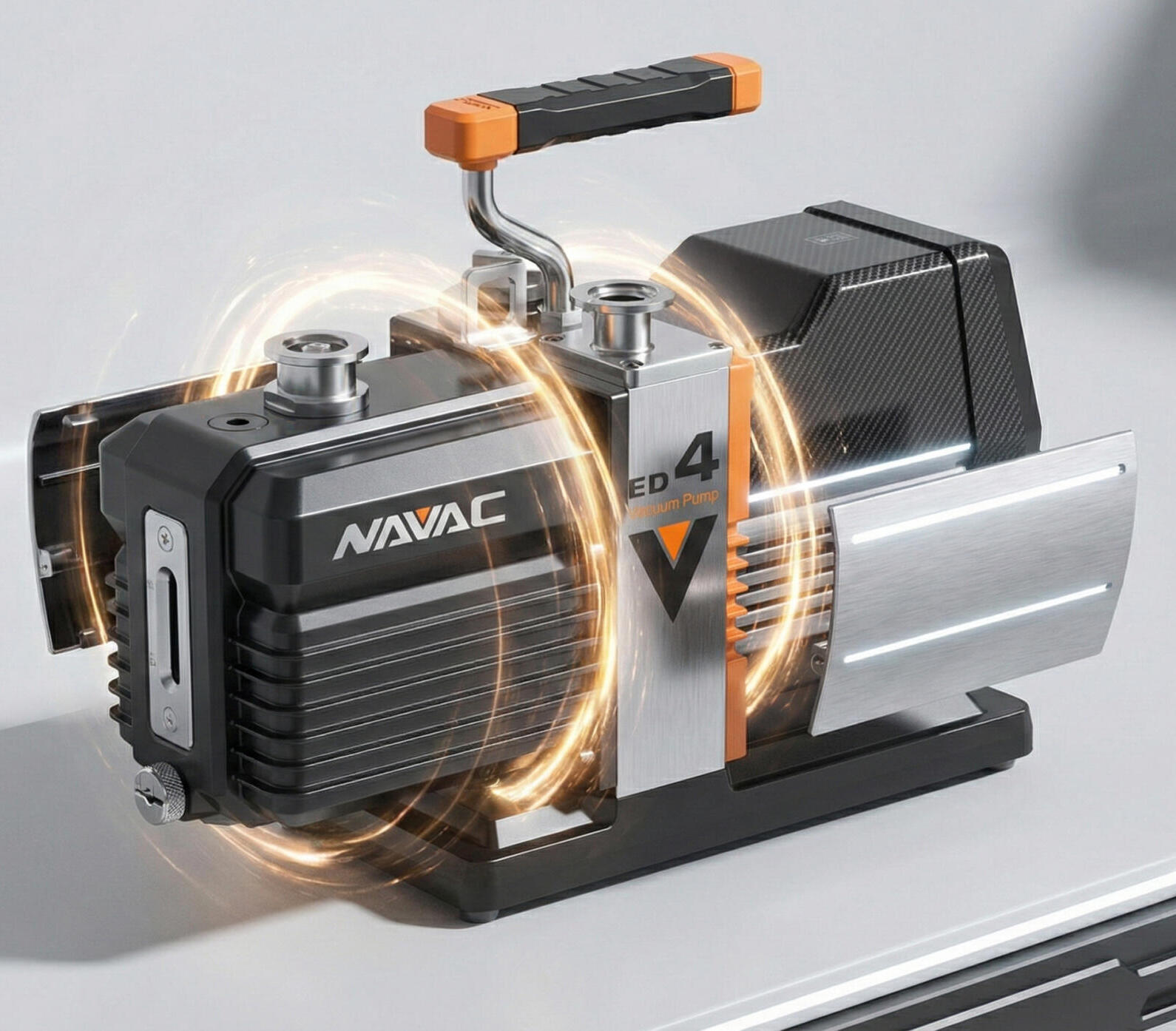
If you are looking to minimize downtime, consider our Refurbishment Exchange Program. With this program, we will keep a certain number of pumps on the shelf, solely for you. When you return a NAVAC pump for repair, we will ship one of the pumps from stock to you while you send back the other pump for repair. This way, your process is not down and waiting on a pump. Once we receive your old pump, we will refurbish the pump and put that back into the stock program for you. Reach out to NAVAC directly or your local Authorized NAVAC partner for more details.
Trade-In Program
Think of this like a cell-phone trade-in program, but for pumps! The NAVAC replacement program is meant to be simple. You can send in your older pumps, regardless of age, functionality, or brand. Once we receive the older pump, we will provide a credit to you for the purchase of a new NAVAC pump. Reach out to NAVAC directly or your local Authorized NAVAC partner for more details.